The short version
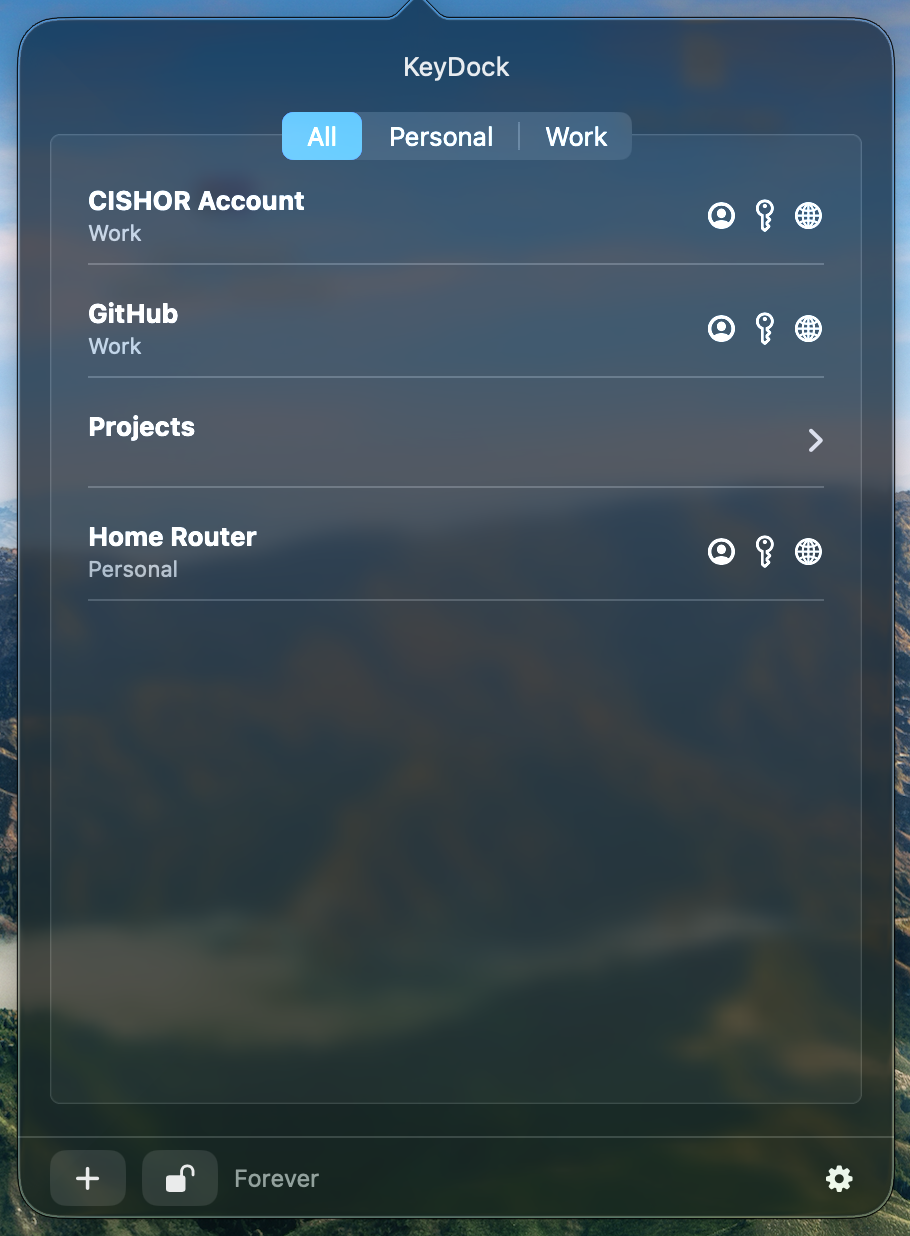
Your KeyDock vault stays on your Mac. CISHOR does not receive your passwords, logins, private notes, URLs, or vault metadata. KeyDock does not require an account and contains no analytics, advertising, telemetry, or cross-app tracking.
Information stored by KeyDock
Both KeyDock editions store secret values locally in the macOS Data Protection Keychain. Non-secret presentation metadata — such as entry identifiers, titles, labels, ordering, folder structure, settings, and flags — is stored in a local App Group container. This information is used only to operate the app on your Mac and is not sent to CISHOR.
Terminal commands in KeyDock Pro
KeyDock Pro can store and launch Terminal commands that you create. These commands stay in your local vault and run only when you explicitly invoke them. To launch a command, macOS may ask you to allow KeyDock Pro to automate Terminal. The Mac App Store edition does not include Terminal-command controls or request Apple Events automation access.
Authentication and clipboard
When the vault is locked, KeyDock asks macOS to authenticate you with Touch ID or another method offered by macOS. CISHOR and KeyDock do not receive your biometric information or macOS password. When you copy a value, it is placed on the macOS clipboard and may be available to other apps with clipboard access. KeyDock attempts to clear an unchanged copied value after 30 seconds.
Purchases and downloads
Apple processes Mac App Store downloads and related account information under Apple’s own policies. When KeyDock Pro sales begin, a third-party checkout provider will process payment and delivery under its own privacy policy. CISHOR may receive ordinary purchase information needed to fulfil and support an order, but KeyDock never sends the contents of your vault as part of a purchase.
Website and support
This website uses no advertising cookies or analytics scripts. Like most web servers, our hosting infrastructure may process basic request and security-log information, including an IP address, browser type, requested page, and time of access. We use this information only to deliver, secure, and maintain the website and retain it only as reasonably needed for those purposes.
If you email support, we receive the address and information you include so we can reply. Please never send a password, private note, URL credential, or other vault value to support.
Your choices
You can edit or delete entries in KeyDock. Deleting the application may not automatically delete its Keychain records or shared App Group data. Contact us if you need guided removal instructions. Requests about information processed by Apple should be directed to Apple.
Children and changes
KeyDock is not directed to children, and we do not knowingly collect personal information from children through the app. We may update this policy when the product, website, or legal requirements change; the revised effective date will appear above.
Contact
Questions or privacy requests can be sent to CISHOR at mail@cishor.com.